mirror of
https://github.com/soup-bowl/opensimulator-docker.git
synced 2026-07-31 04:10:12 +00:00

44 lines
2.3 KiB
Markdown
44 lines
2.3 KiB
Markdown
# OpenSimulator
|
|
|
|
|
|
|
|
From the [OpenSimulator][os] site:
|
|
|
|
> OpenSimulator is an open source multi-platform, multi-user 3D application server. It can be used to create a virtual environment (or world) which can be accessed through a variety of clients, on multiple protocols.
|
|
|
|
This **unofficial** Docker configuration aims to assist in setting the server up for testing and general purpose use.
|
|
|
|
**This is still experimental - thar be bugs!**
|
|
|
|
## Usage
|
|
|
|
```bash
|
|
docker run -d --name opensim -p 9000:9000 -p 9000:9000/udp soupbowl/opensimulator:edge
|
|
```
|
|
|
|
You can change settings with the following optional environmental overrides:
|
|
|
|
* `-e GRID_NAME=...` to define the name of [your grid][grid].
|
|
* `-e GRID_WELCOME=...` to show a custom message on the login screen.
|
|
* `-e REGION_NAME=...` to define the [Region][region] name.
|
|
* `-e ESTATE_NAME=...` to define the [Estate][estate] name.
|
|
* `-e ESTATE_OWNER_NAME=...` to set the estate owner name (and creates a login) - format of 'Firstname Lastname'.
|
|
* `-e ESTATE_OWNER_PASSWORD=...` to define a login password.
|
|
* `-e ESTATE_OWNER_UUID=...` for a custom UUID, if desired.
|
|
* `-e ESTATE_OWNER_EMAIL=...` to define the estate email address.
|
|
* `-e DATABASE_ENGINE=...` to change the database engine (sqlite and mysql support so far) - defaults to sqlite.
|
|
* `-e MYSQL_SERVER=...`, `-e MYSQL_DATABASE=...`, `-e MYSQL_USER=...`, `-e MYSQL_PASSWORD=...` if `DATABASE_ENGINE` is `mysql`.
|
|
|
|
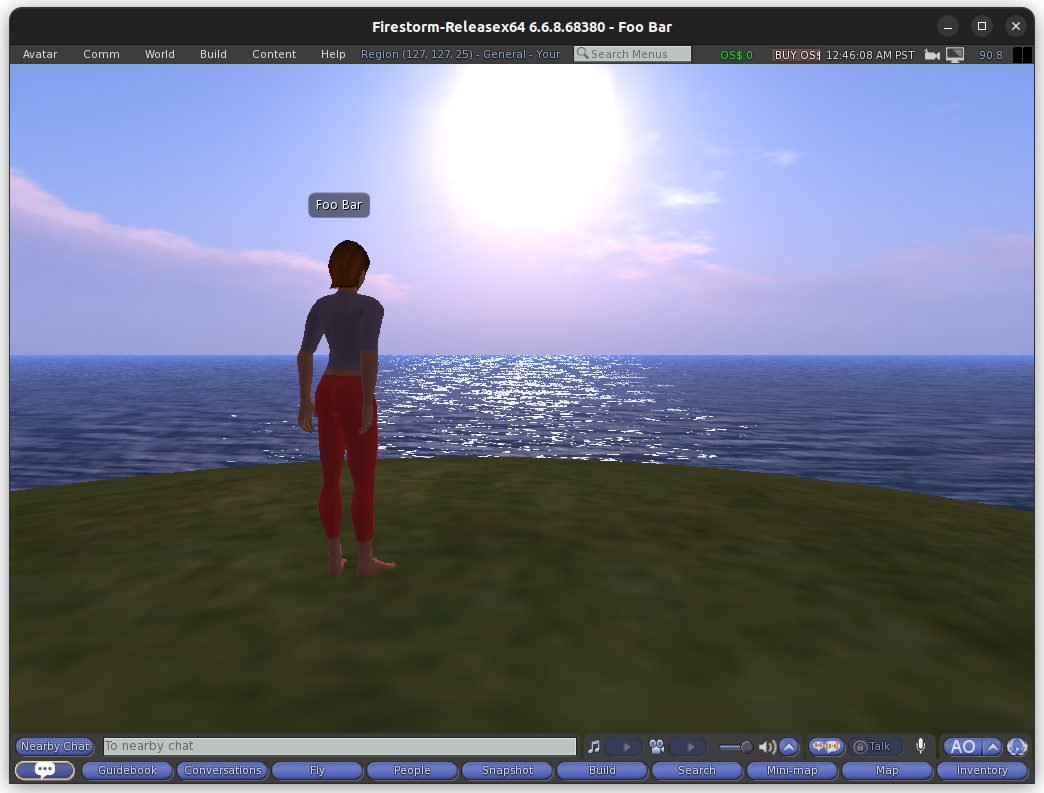
Once the server is running, you should be able to connect to it on `localhost:9000`. In **Firestorm Viewer**, you can go to **Preferences**, then **Opensim**, then under **add new grid** put `localhost:9000` and you can then login.
|
|
|
|
If you don't define otherwise in the environments or a custom configuration, the login username is **Foo bar** and the password is **password**.
|
|
|
|
## Examples
|
|
|
|
See [this repository](https://github.com/soup-bowl/opensim-sandbox) for some example usages of this image.
|
|
|
|
[os]: http://opensimulator.org/wiki/Main_Page
|
|
[grid]: https://wiki.secondlife.com/wiki/Land#Grid
|
|
[estate]: https://wiki.secondlife.com/wiki/Land#Estate
|
|
[region]: https://wiki.secondlife.com/wiki/Land#Region
|